All articles
Insights
The Displace Editing Experience: Inline CMS or Cursor, No Developer Required

Insights

The Displace Editing Experience: Inline CMS or Cursor, No Developer Required

We stopped building on Webflow. Every Displace project now ships on Next.js with two self-service editing options: an inline CMS with boundary conditions, or AI-assisted editing via Cursor with full guardrails. Here is how it works and why we made the shift.

AI EditingCursorInline CMSNext.jsPositioning
AuthorSantiago Lobo
RoleFounder & Lead Developer
Published2026-04-05
Reading time11 min
Sections7
Scroll to read

01 / READ

Why We Stopped Recommending Webflow

For years Webflow was our default for marketing sites. It was fast to build, clients could edit content without us, and the CMS was the best in the no-code category. We shipped 30+ Webflow projects. And then we started hitting the same wall over and over.

Webflow forced compromises we stopped accepting. Design constraints from Liquid-adjacent template limitations. Performance ceilings that capped Lighthouse scores. Integration friction when the project needed to talk to a real backend. A pricing model that punishes success with per-member seats. And most importantly, a content model that broke the moment a client asked for anything more structured than a flat collection.

The tradeoff calculation changed. When AI-assisted development made custom Next.js builds faster than they used to be, and when we built our own inline CMS pattern that clients could use without reading docs, the case for Webflow evaporated. Today, every new Displace project ships on our own stack. Clients still get full editing independence , they just get it on a platform we fully control.

We still respect Webflow as a platform. We just stopped recommending it for the kind of clients we work with , teams who need real editing control, real performance, and real design freedom without any of the three being a compromise.

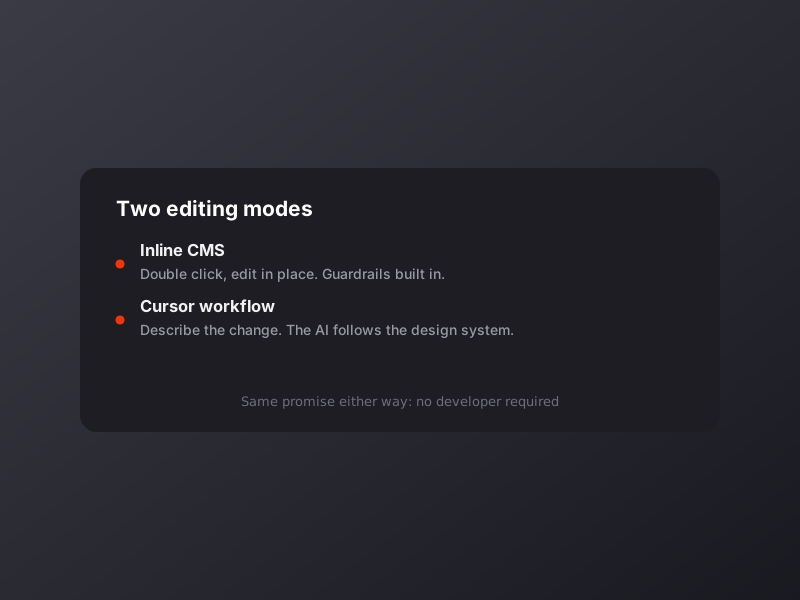
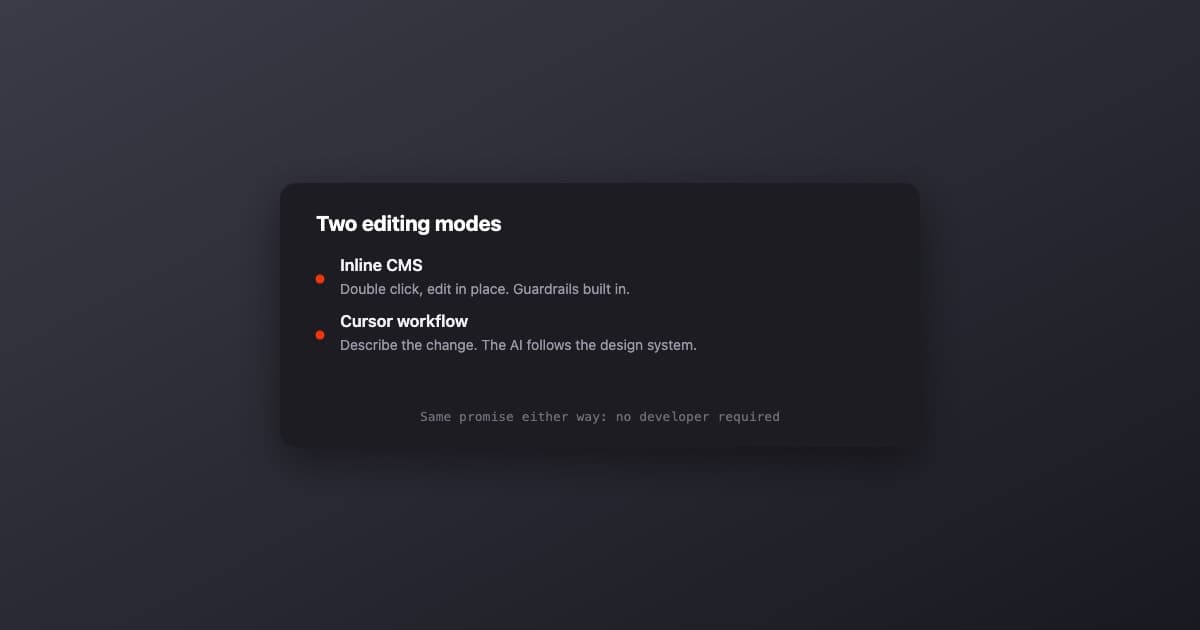
Two Editing Modes, One Promise

Every Displace project ships with one of two self-service editing experiences, chosen based on how the client's team actually works. Both deliver the same core promise: no developer required for content updates, forever.

Side by side

Option A: Inline CMS

Option B: Cursor Workflow

Interaction
Double-click to edit
Natural language prompts
Best for
Non-technical teams
Technical teams
Scope
Text, images, links
Text, pages, layouts
New pages
No
Yes (guided)
Brand guardrails
Built into UI
Boundary prompts
Learning curve
Zero
30-min onboarding

Option A: Inline CMS with Boundary Conditions

Our inline CMS is the simpler of the two. Users log in, click any editable region on the live site, and the content becomes editable in place. Text turns into a textarea. Images open a file picker. Links become inputs. Save, and the change is live. No separate admin panel. No learning curve. Nothing to configure.

The critical piece is what the CMS does NOT let you do. Boundary conditions are built directly into the component schema: you cannot accidentally break the layout, replace a brand color with something off-palette, upload an image at the wrong aspect ratio, or publish content that would break the grid system. Every editable field is typed, constrained, and validated against the design system.

  • Double-click any text, image, or link to edit in place
  • Changes preview live before you publish
  • Boundary conditions prevent layout or brand drift
  • Versioned content , one click to roll back
  • Works across pages with a single shared component library
  • No separate admin UI to learn or maintain

The inline CMS does not support creating entirely new sections or pages , it is designed for content updates, not architecture changes. If you need to build new page types, that is Cursor territory.

Option B: AI-Assisted Editing via Cursor

For technical teams , or clients whose team wants to grow into a more hands-on content workflow , we configure Cursor or Claude Code on their machines and load the project with a set of boundary prompts. Your team opens the project, describes what they want in natural language, and the AI builds it following the exact design system, brand guidelines, and code conventions we set up during development.

The boundary prompts are the secret. They are a set of guardrail instructions that sit in the project as CLAUDE.md or .cursor/rules files, and they tell the AI exactly which patterns to follow, which design tokens exist, which components to reuse, and what absolutely must not change. When a client says 'add a new blog post about our latest certification,' the AI follows the same file structure, the same component patterns, and the same typography tokens that the rest of the site uses. There is no drift.

This is the editing mode we use to build the Displace site itself. The same prompts, the same guardrails, the same workflow. If it is reliable enough to build our own business on, it is reliable enough to hand to a client.

markdown
# CLAUDE.md for <client>

## Design system
- Only use tokens from tailwind.config.ts
- Primary accent: #f3350c
- Never use rounded-full except for avatars
- All cards: 6px radius + hairline border

## Components
- Hero variants live in components/hero/*
- Reuse ProjectCard for any project tile
- Blog posts: use ArticleBlocks renderer

## Guardrails
- Never add new tailwind colors
- Never inline styles
- Never create new fonts
- Always run typecheck before suggesting commit

The 8 Operational Skills

On top of the editing experience, every Displace project now ships with a set of pre-built AI workflows we call Operational Skills. Each skill is a tested, repeatable prompt that the client's team can run from Cursor or Claude Code to handle a specific task without thinking about the implementation.

  • Content Publisher , create and publish blog posts, press releases, and announcements. Follows content templates, applies schema markup, updates the sitemap.
  • Page Builder , generate new pages that follow the design system. For product launches, event pages, partner landing pages.
  • SEO Optimizer , audit meta tags, structured data, Open Graph, internal linking. Generates keyword recommendations from Search Console data.
  • Analytics Reporter , pull GA4 and Search Console data into a formatted weekly report. Team runs it themselves to maintain visibility.
  • Impact Study Creator , structured case study generation. Input the client, challenge, and results; output a formatted page matching the template.
  • Product Page Updater , update product pages with new features, certifications, or testimonials without touching layout or animations.
  • Image Optimizer , compress, resize, and convert images for web performance. Batch-processes multiple files, maintains Core Web Vitals.
  • Deploy & Monitor , Vercel deployment workflows, environment management, performance checks, error monitoring. One command to preview, deploy, and verify.

By the numbers

8

Operational skills

2

Editing modes

0

Dev fees post-launch

$0

Ongoing platform cost*

The 12-Week Scaling System

Every project also includes a 12-week scaling system after launch. For three months, we deliver a weekly performance report , not a generic dashboard, a prioritized list of what to improve with the top fixes implemented by us, not just suggested. We audit GA4 traffic, Search Console rankings, Core Web Vitals, and page-level conversions, and we act on what we find.

By week 12, your team has the tools, the training, and the data to run the entire platform independently. No monthly retainer required. If you want continued weekly reports and optimization beyond the 3-month period, we offer an optional ongoing growth retainer , but most clients never need it. That is the point.

Why This Changes Everything

For years the tradeoff in our industry was: pick a no-code platform and accept the constraints, or pick a custom build and accept developer dependency. We refused to accept that tradeoff any longer. With AI-assisted editing, boundary-conditioned inline CMS, and a productized scaling system, we built the version of client independence that Webflow promised and could not actually deliver at scale.

Every Displace project now ships on Next.js, costs $20/month to host, has zero developer dependency for content updates, and includes the Scaling System that makes your team self-sufficient in 12 weeks. That is the Displace Editing Experience. It is the only thing we sell now.

Want to see this in action? Book a 30-minute call and we will walk you through a live demo of both editing modes on a real project.