


Why rebuild the agency site at all
The previous Displace site did its job. It converted leads, it ranked on the searches we cared about, and it looked fine. It was also a bad advertisement for what we actually do in 2026. It was a Webflow template we had customised, and every edit still went through us. If a prospect asked how the site was maintained, the honest answer was: the founder opens the Webflow designer at 11pm and drags sliders around. That does not match the positioning of a studio that ships self-editable custom software.
The bigger problem was structural. Our new client proposal starts with a shift: we no longer recommend Webflow as a first-choice CMS. We recommend custom Next.js with two self-service editing modes, and we ship a twelve-week Scaling System on top. The old Displace site had no way to demonstrate any of that. It was built on the thing we were walking away from.
We needed a new site that was a working showroom for the editing system, not a gallery of past work. The site itself had to be the product demo.
The constraints we set ourselves
Before writing a single component, we wrote a list of rules. Not because we love rules, but because the previous site had drifted over time as we bolted on features. A rebuild is a chance to enforce a design system that actually holds.
- One accent color, used like a scalpel: burnt orange #f3350c
- One corner radius universally: 6px, never fully rounded pills
- One border weight: 0.5px hairlines, never a thick stroke
- Light display type with negative tracking, never heavy or italicised serifs
- Every section caps at calc(100svh minus navbar) so the browser is a filmstrip of rooms
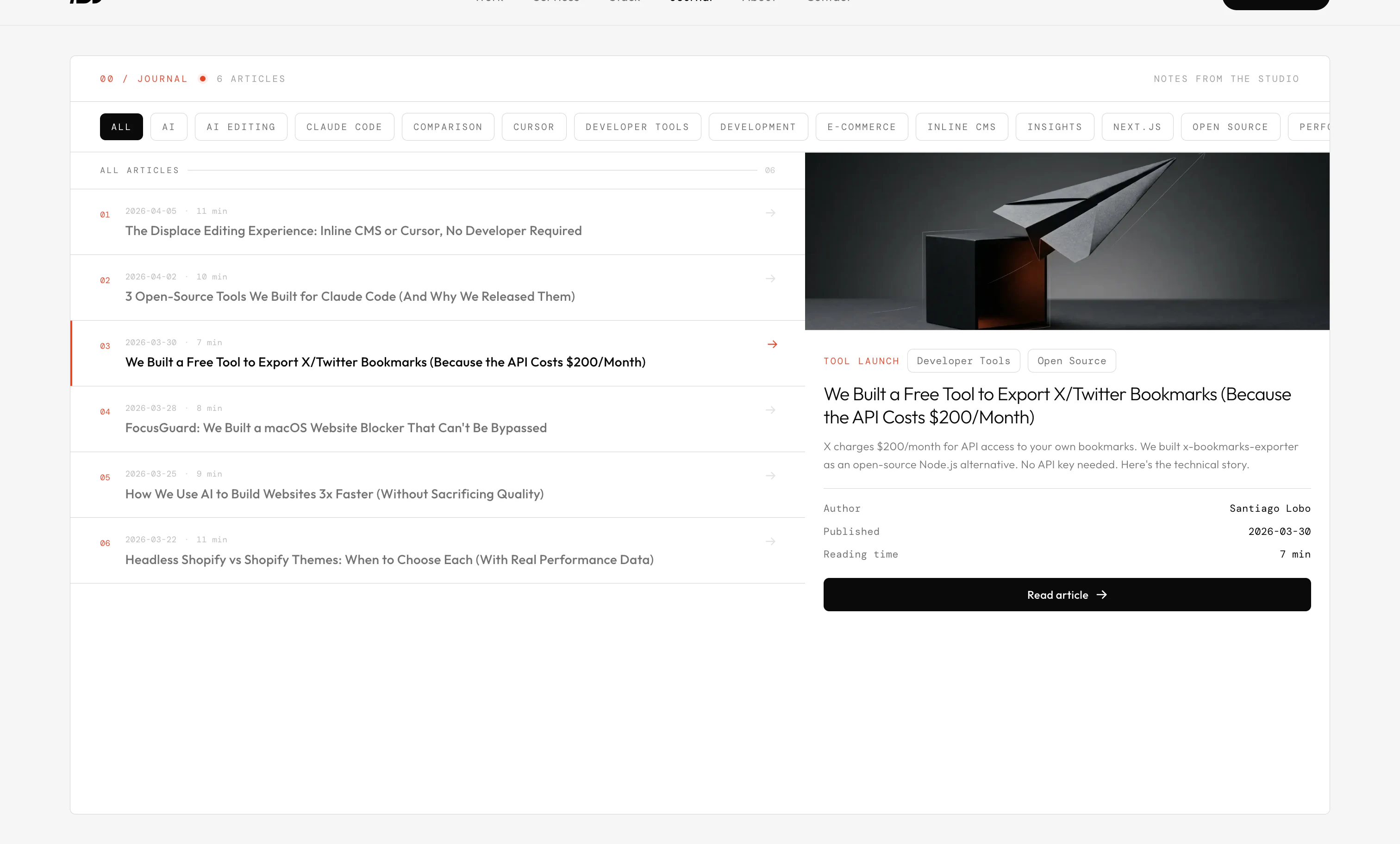
- Every card on the site is a distinct archetype, not a repeat of the same container
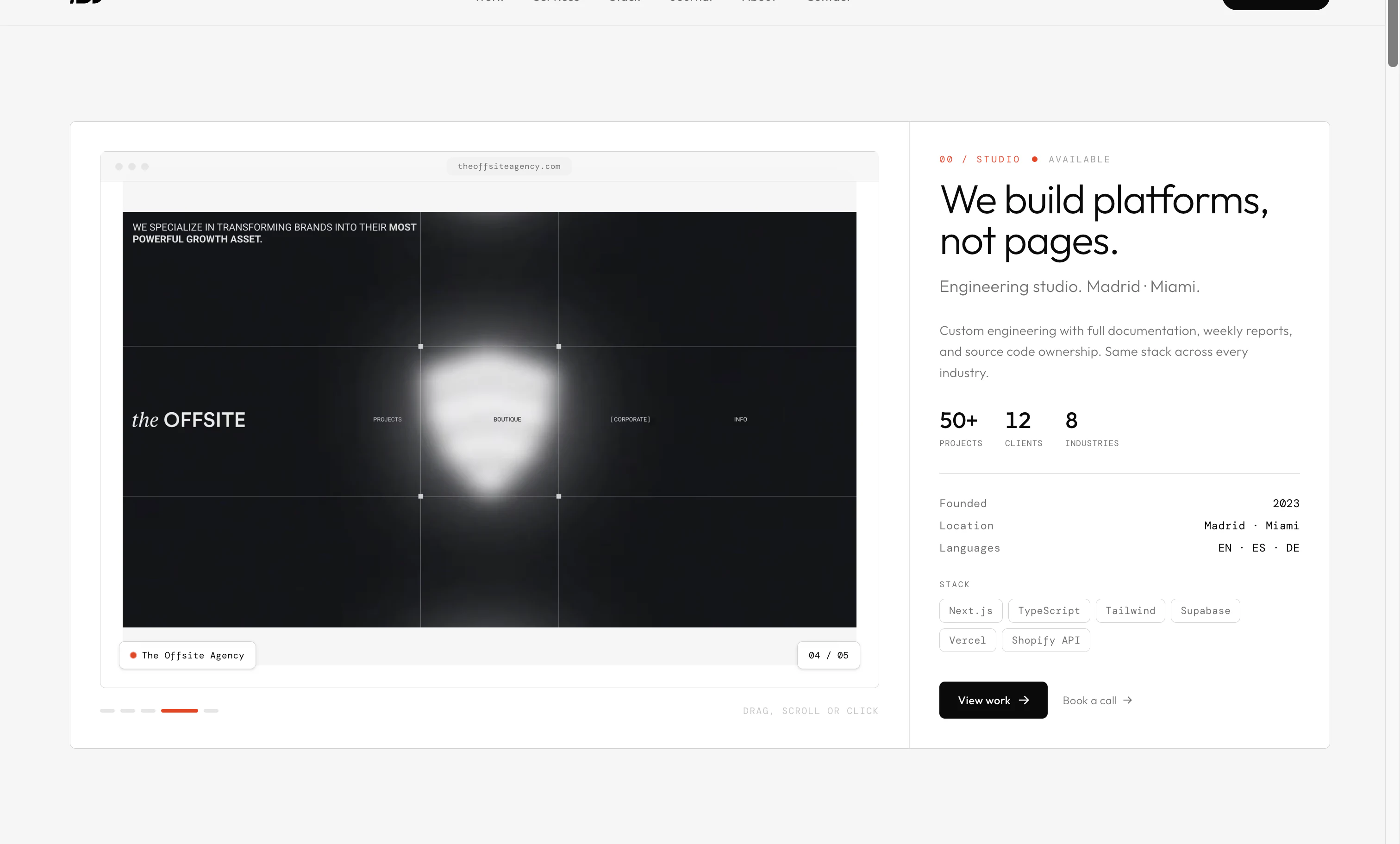
The last rule was the hard one. Most agency sites use a single card component and repeat it down the page with different content inside. We decided every section on every page should have its own visual grammar: a browser-frame carousel for the hero, a Bloomberg-style signals dashboard for stats, a horizontal scroll-snap rail for selected work, a tabbed atelier card for services, a file-browser card for deliverables, an animated SVG timeline for process, a dark terminal card for testimonials, a pricing matrix for scope, and live-data panels for the dashboard. Ten archetypes total. None of them reused.
By the numbers
10+
Card archetypes
20+
Pages shipped
12
Case studies
11
Journal articles
The data layer: Supabase, not Webflow CMS
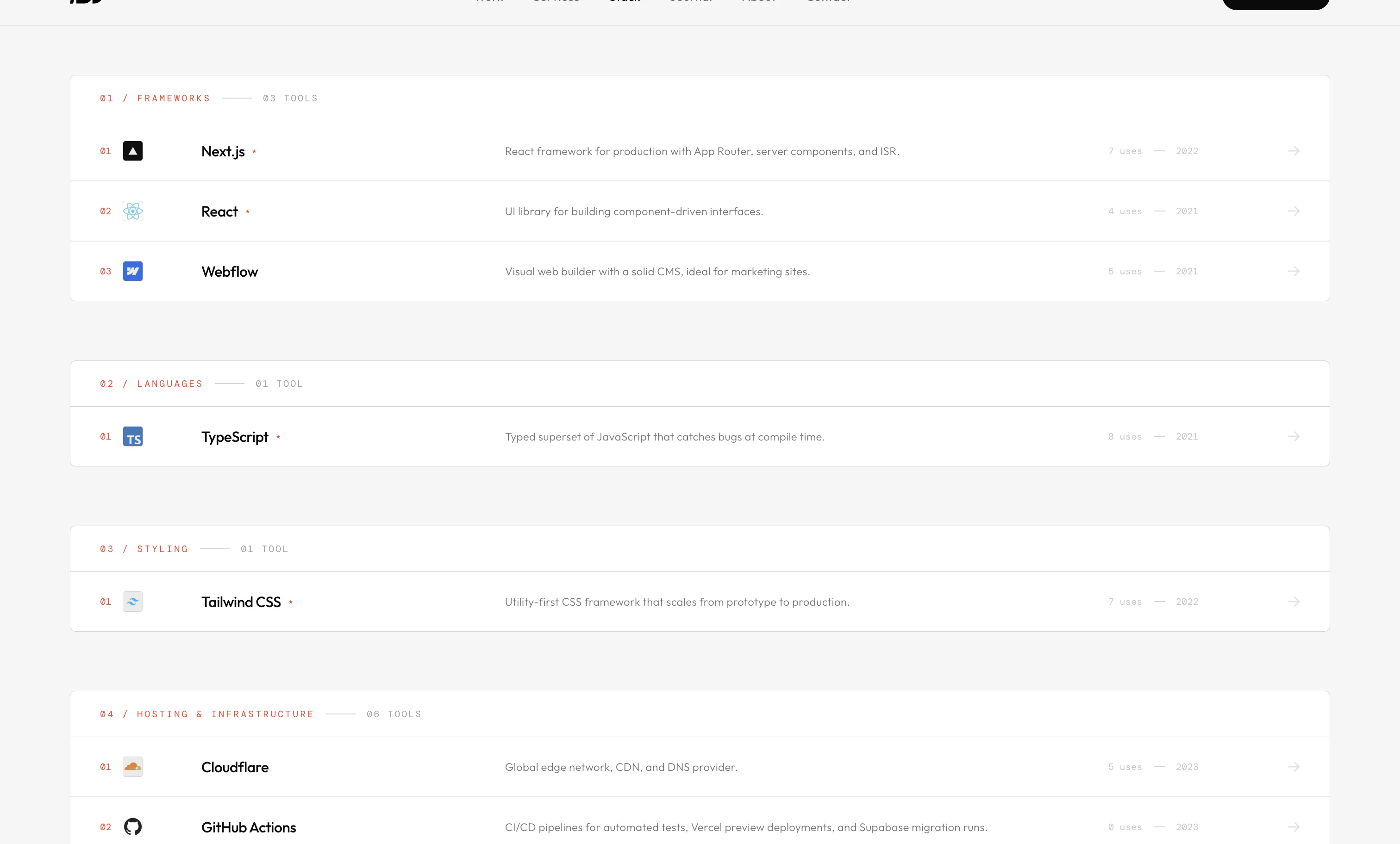
Everything on displace.agency that feels like content is a Supabase row. Projects, tech stack, services, process steps, case study block content, journal articles, gallery images, testimonials. The schema has around fifteen tables, all with Row Level Security for anonymous public read of published rows, and a service role key used by seed scripts and admin jobs. The Next.js App Router reads the database from server components using a typed query layer in src/lib/queries.ts, and caches everything with the framework's default revalidation.
The important part is that the content is not trapped in a CMS UI. It lives in Postgres, readable by anything that can hit the Management API. That unlocks the two editing modes we sell.
Side by side
What
Old site
Displace v3
Mode 1: Inline CMS, double-click to edit
The Inline CMS is an on-page editor. Click the right spot on a live page and you can change headings, body copy, image slots, and section ordering without opening a separate admin. Under the hood, each editable region is wired to a typed field on a Supabase row with boundary conditions baked in: a button label cannot exceed 24 characters, a hero image must be 3:2, a stat value must be a number plus a suffix. The schema stops a client from accidentally pasting a paragraph into a stat card and breaking the layout.
This is what Webflow always promised but never quite delivered for custom components. By owning the editor and the schema together, we can enforce rules that keep the design system intact no matter who is editing.
The Inline CMS has no learning curve. If you can click, you can edit. If you try to break the layout, it tells you why.
Mode 2: the Cursor workflow
Some clients want more power than a click-to-edit UI. For them, we hand over a repository with Cursor or Claude Code pre-configured on the client machine, a boundary prompt file (CLAUDE.md or .cursorrules) that encodes the design system, and a set of eight Operational Skills: Content Publisher, Page Builder, SEO Optimizer, Analytics Reporter, Impact Study Creator, Product Page Updater, Image Optimizer, and Deploy & Monitor.
A client marketer can say: ship a new blog post about our Q3 feature launch. The skill reads the article schema, generates blocks that fit the design system, writes the SEO metadata, compresses the hero image to the right format, and opens a pull request. A designer can say: add a new services tier to the pricing matrix and make sure the hover colours still match the accent. The skill knows what a services tier is because the schema told it.
- Content Publisher , turn a prompt into a typed article ready to ship
- Page Builder , assemble new pages from approved card archetypes
- SEO Optimizer , metadata, schema markup, sitemap, internal linking
- Analytics Reporter , weekly GA4 + GSC pulls as a shareable PDF
- Impact Study Creator , turn a client outcome into a case study row
- Product Page Updater , swap imagery, specs, variants on e-commerce builds
- Image Optimizer , pngquant + resize + AVIF conversion
- Deploy & Monitor , run checks and push to Vercel with a monitored rollback
The Scaling System, productised
Every project now ships with a twelve-week Scaling System on top of the build. Each week we run a scoped audit of a specific dimension (performance, SEO, content, conversion, analytics, accessibility), ship one top-impact fix inside the existing boundary system, and deliver a written report every Wednesday covering the week before. The point is not to replace the client's team, it is to give the site meaningful post-launch velocity without bringing us back in for a full retainer.
This is why the /dashboard on the agency site exists. It is a working template of the reports we deliver to clients every week. Lighthouse scores, uptime, content velocity, heritage network stats, all pulled live from production Supabase. A prospect who visits /dashboard is looking at exactly what their own dashboard will look like after the first week of the Scaling System.
By the numbers
€5k+
Scaling System base
12 wk
Programme length
1
Shipped fix per week
1
Report per week
Eleven archetypes, and why that matters
The hardest part of shipping a design system is resisting the urge to compound. A card that works for stats does not need to also work for services. A carousel built for a project gallery does not need to also be the services tab picker. When components stretch, they stop being legible. So we gave every role on the site its own container.
- Browser-frame carousel , hero and project galleries
- Signals dashboard , animated counters, sparklines, ticker
- Horizontal scroll-snap rail , selected work, project screens
- Tabbed atelier card , services picker with numbered tabs
- File-browser card , deliverables list + live preview
- Animated SVG timeline , process section with traveling pulse
- Dark terminal card , testimonials and closing CTA
- Pricing matrix , scope table with column-hover highlight
- Bloomberg panels , live data strips on /dashboard
- Story card with sticky TOC , inline case study on /work/[slug]
All of them share the same atoms: 6px corners, 0.5px hairlines, the mono caps label style, the light display type, and the one accent colour. What changes from archetype to archetype is the layout and the movement, never the atoms. That is what gives the site a coherent feel despite the variety.
What you are reading right now
This case study is rendering inside one of those archetypes: the story card with the sticky table of contents on the left. Each heading here is a scroll target. The active entry in the sidebar highlights as you move through the article. The whole thing is pulled from a Supabase row called articles with a related_project_slug of displace-v3, joined to a bunch of article_blocks rows containing the individual paragraphs, bullets, stats tables, and comparison grids you are seeing.
You could rewrite this article by changing rows in Postgres. Or by running a Cursor command on the Displace repo. Or by double-clicking on the page and using the Inline CMS. All three routes end up at the same place: a publish step that pushes to Vercel and a new revalidation window. That is the editing experience we now ship with every custom build.
Displace v3 is not a portfolio site with a blog. It is the product demo. Every page is a surface we can point a client at and say: yours will work exactly like this.
What shipped, in numbers
By the numbers
6 wk
Concept to launch
20+
Pages shipped
10+
Card archetypes
15+
Supabase tables
- Twelve case studies with cross-linked tech stack pages
- Eleven journal articles, each authored inline with block-level editing
- Live Bloomberg-style /dashboard pulling from production
- Style guide page as the single source of truth for every primitive
- Full contact pipeline on Resend, custom-verified at mail.displace.agency
- Bilingual copy rules baked in for future Spanish-language expansions
Want the same setup on your site?
The whole point of Displace v3 is that it is reproducible. We did not build a bespoke framework for the agency site and then go back to Webflow for clients. The card archetypes, the Supabase schema, the Inline CMS, the Cursor operational skills, and the Scaling System are all part of the same offer. A new client starts with the same building blocks and ends with a site that behaves exactly like this one, customised to their brand and content.
Same stack, fixed fee
Start a project